To try it out · Free
€0
- 1 event per organisation
- Up to 50 attendees
- The same features as the paid tiers
- Dynamic agenda: €99 per event
From registration and ticket sales to door check-in and the attendee experience in the app: you prepare and manage the whole event from a single back office.
Each stage of the event has its own tool — and they all share the same attendees, the same brand and the same data.
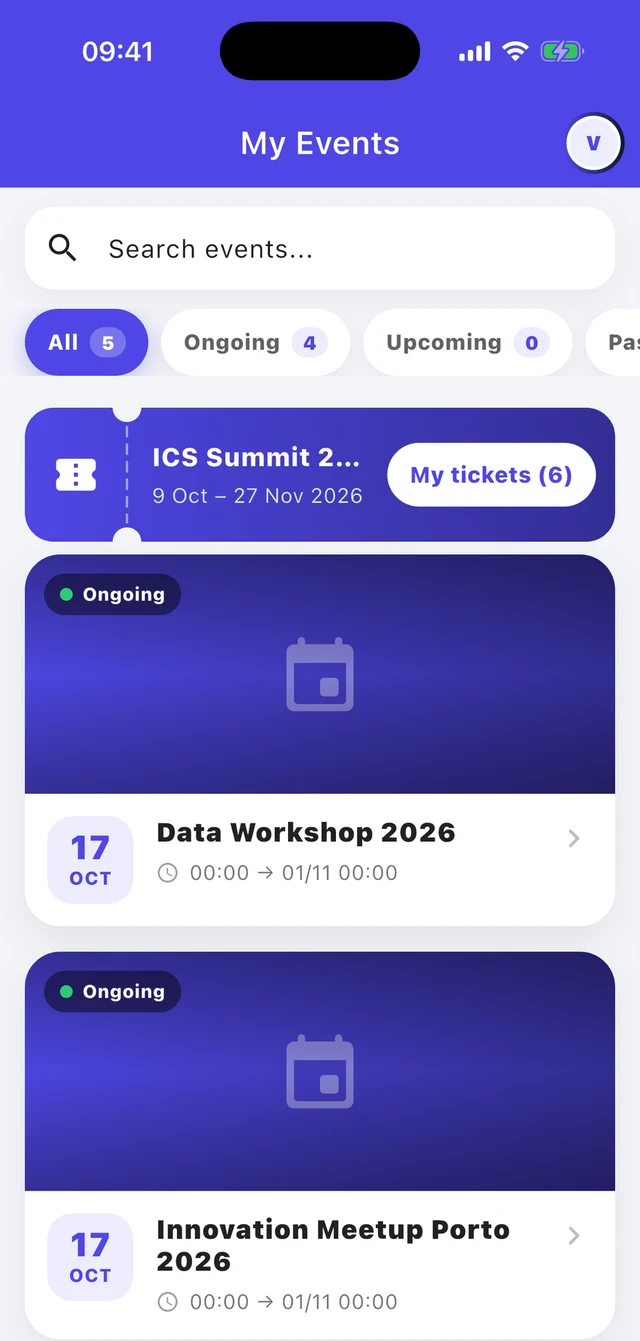
Ticketing, schedule, check-in and event app connected. Whoever buys a ticket is already linked to the event.
Your organisation's logo and colours in the app, on the checkout page and in the emails sent to attendees.
Data hosted in the EU, isolated per organisation and covered by a data processing agreement (DPA).
Creating and preparing the event is free. You only choose a plan when you publish it.
Name, dates, image, languages and your organisation's brand. The event stays as a draft until it's ready.
Ticket types, schedule, challenges and questions. Import attendees or let them arrive through ticket sales.
Pick the plan by number of attendees, validate entries at the door and follow the event in the back office.
Use only what makes sense for your event — from ticket sales to questions for the audience.
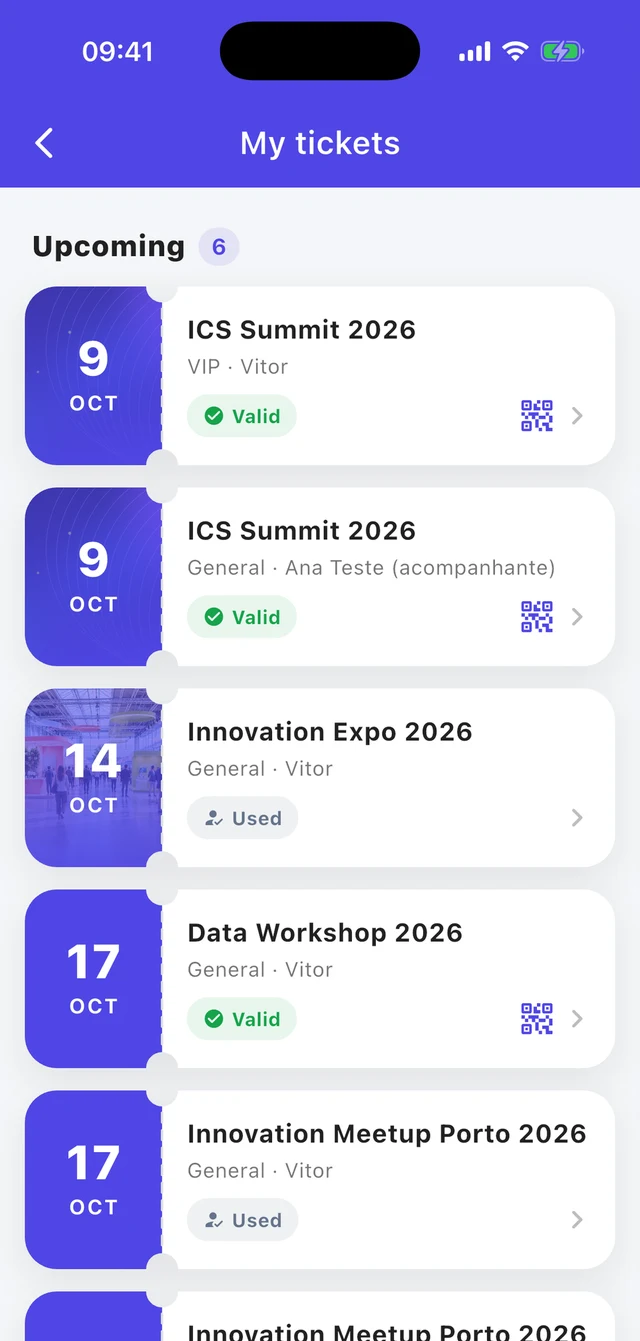
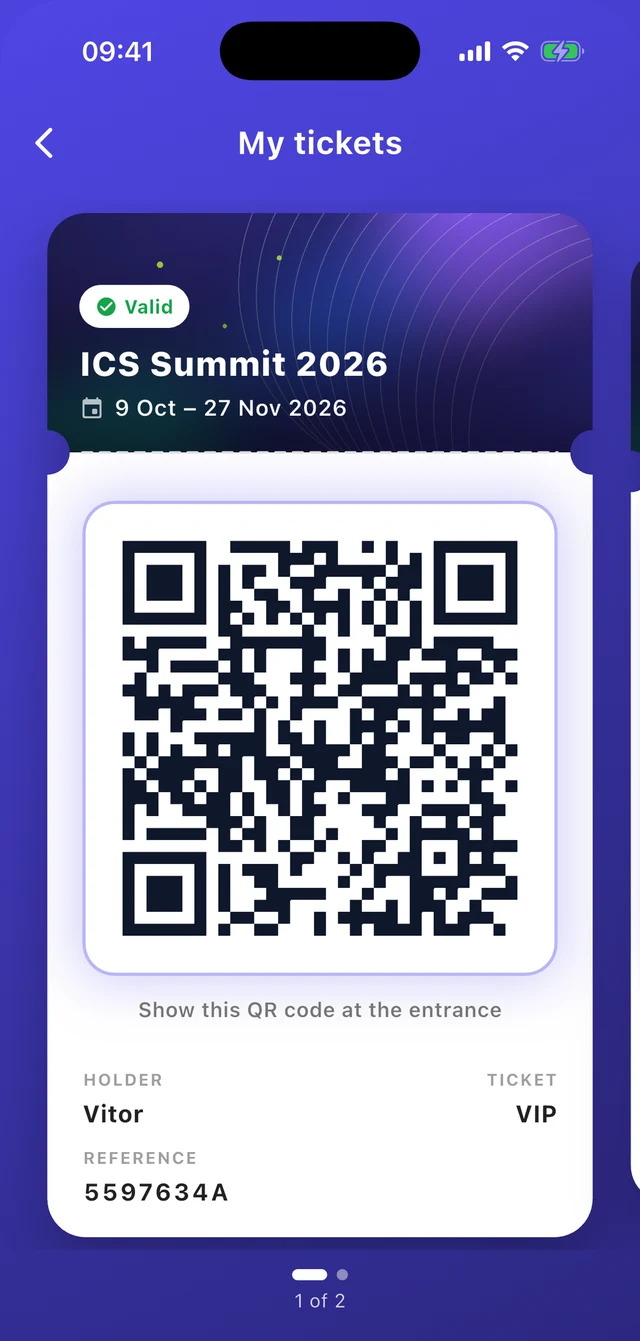
Create ticket types, share the checkout link or embed it on your website, and the money goes into your Stripe account. At the entrance, staff validate each QR with the Questa Check-in app.
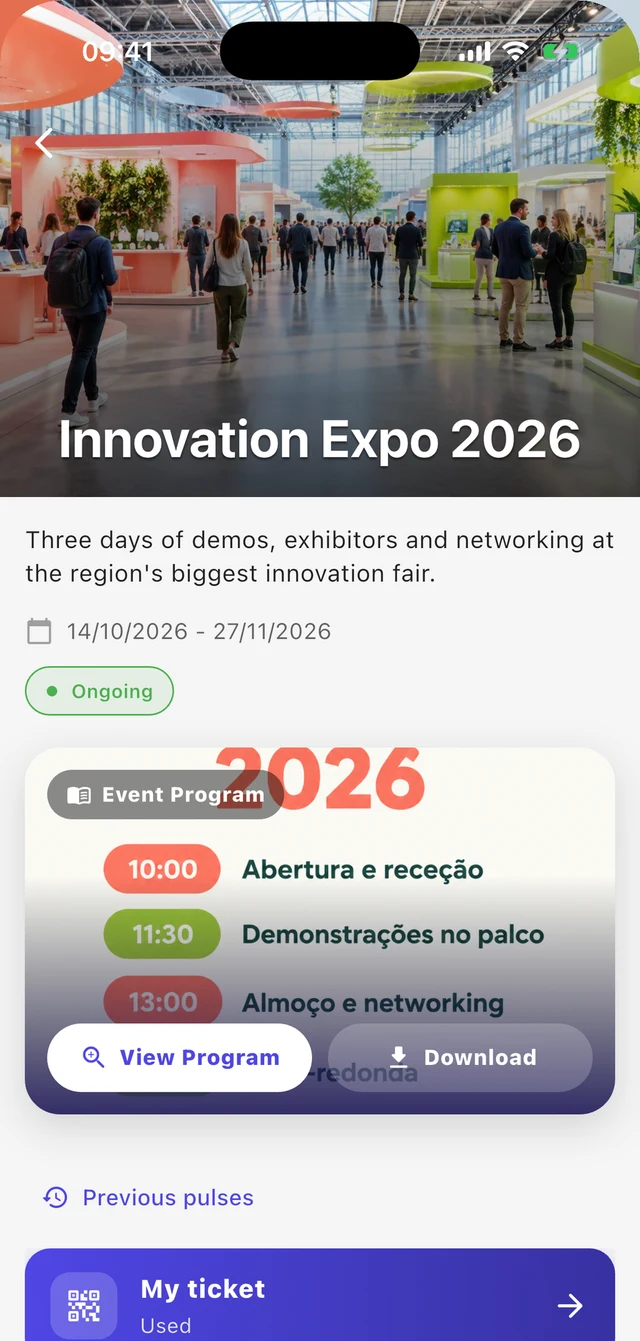
The event schedule in the app, organised by day, room and speaker. Each attendee builds their own agenda, gets a reminder before each session, checks in to the room by QR and rates what they saw.
Optional add-on, enabled per event, from €99. The price depends on the event's plan. The first activation in your organisation is free on the plans marked in the pricing table.
See the dynamic agenda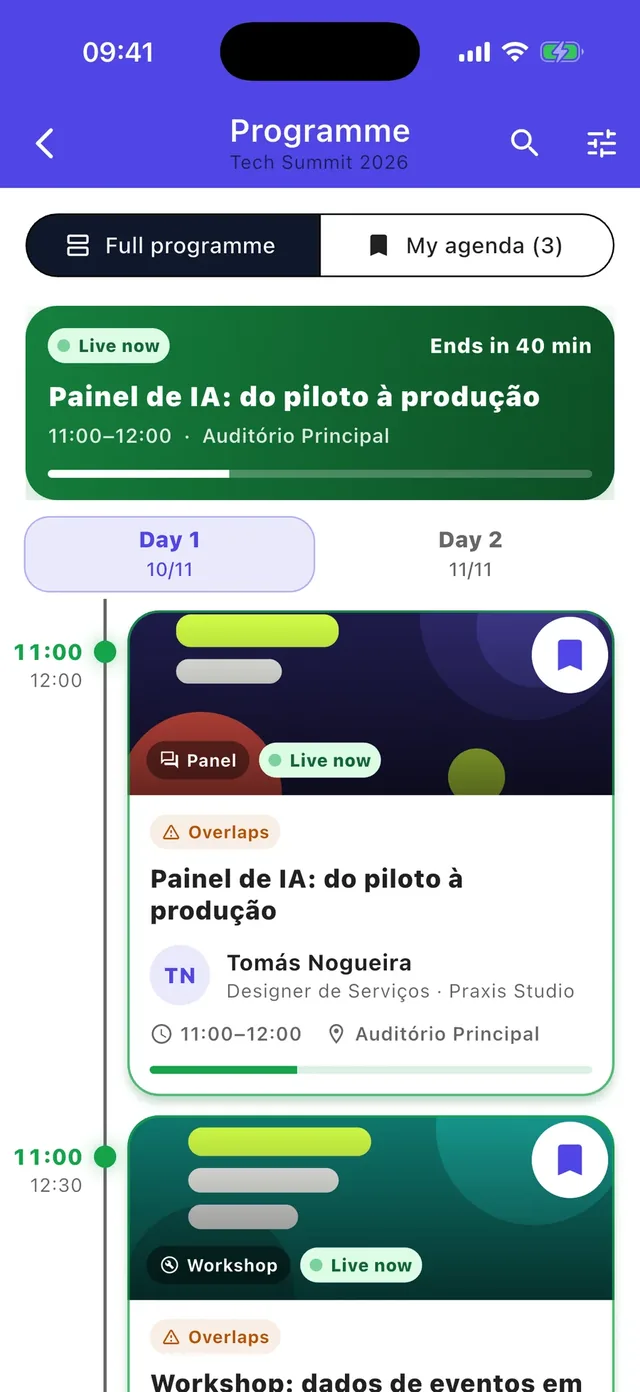
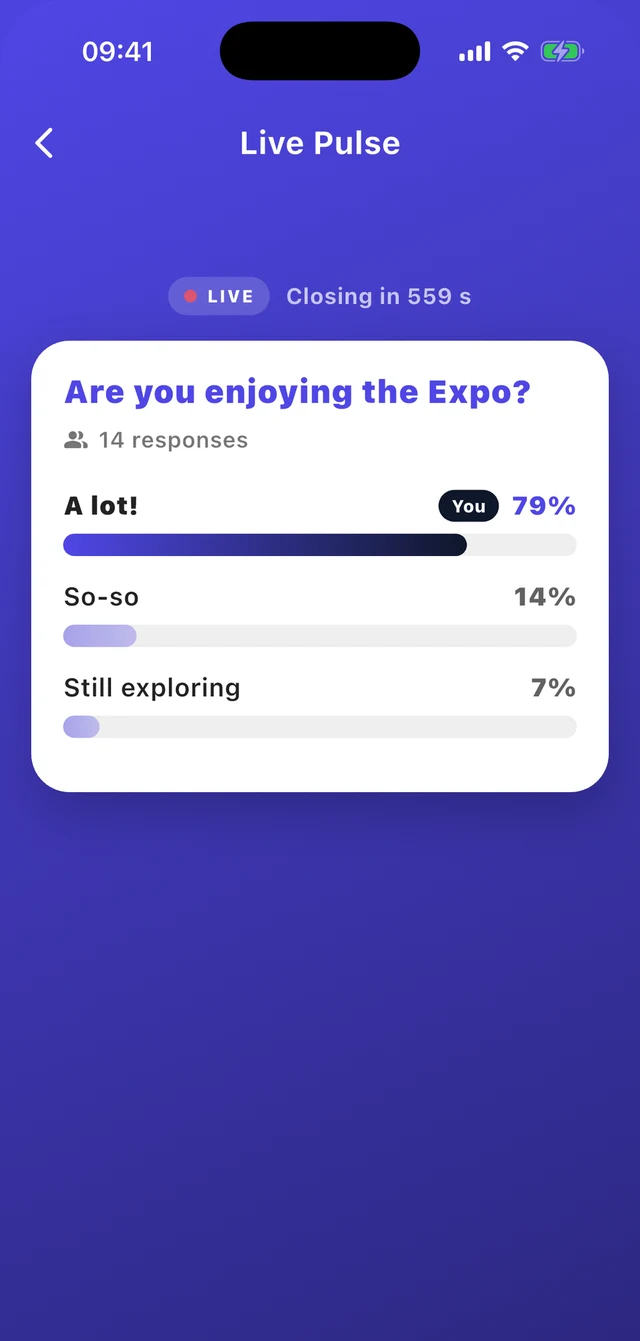
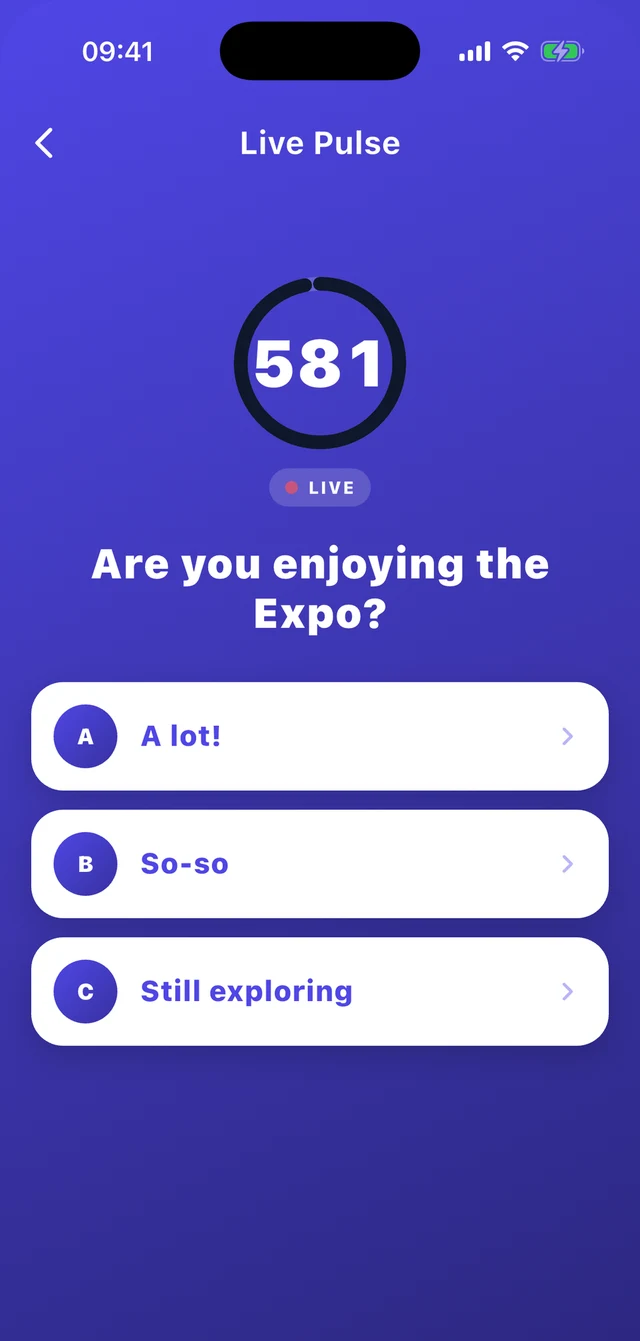
Launch a question mid-session: the audience answers on their phones and the answers appear on the room screen as they arrive. Votes and 1–10 ratings, no paper.
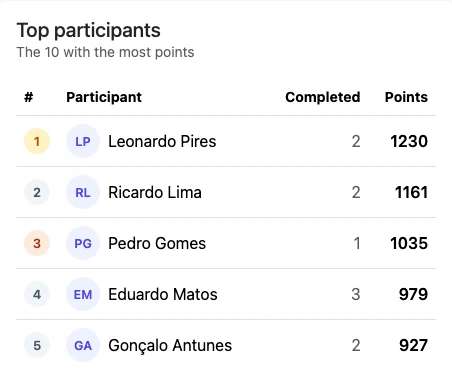
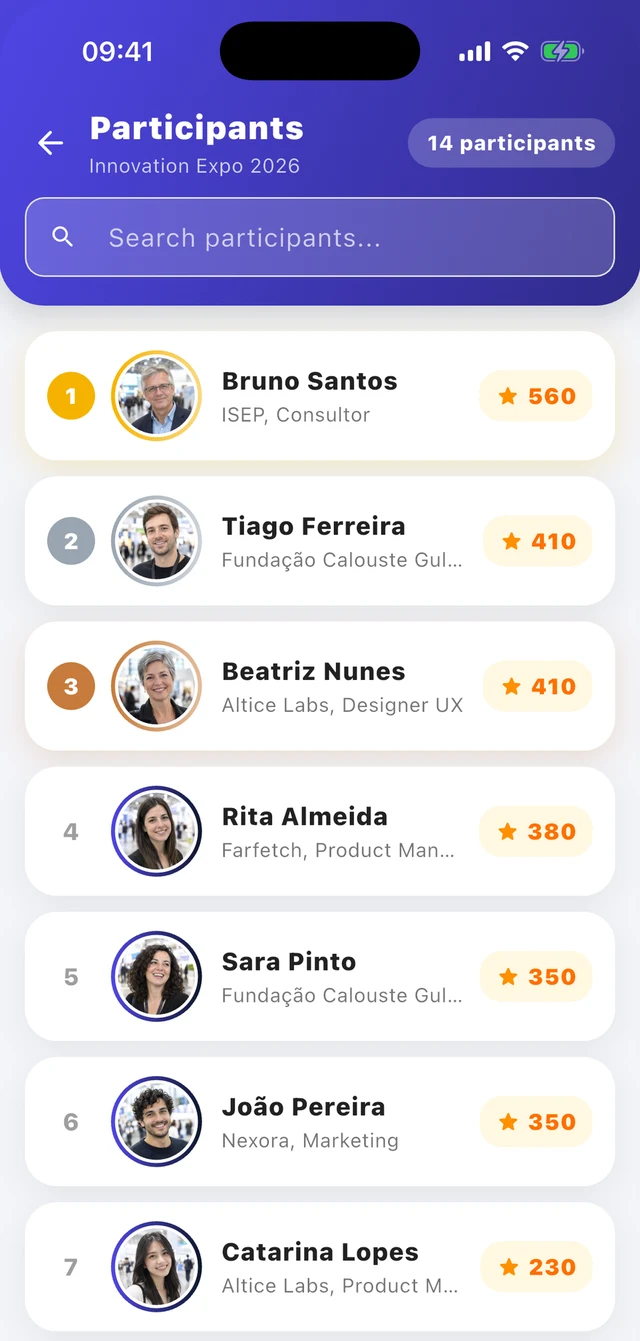
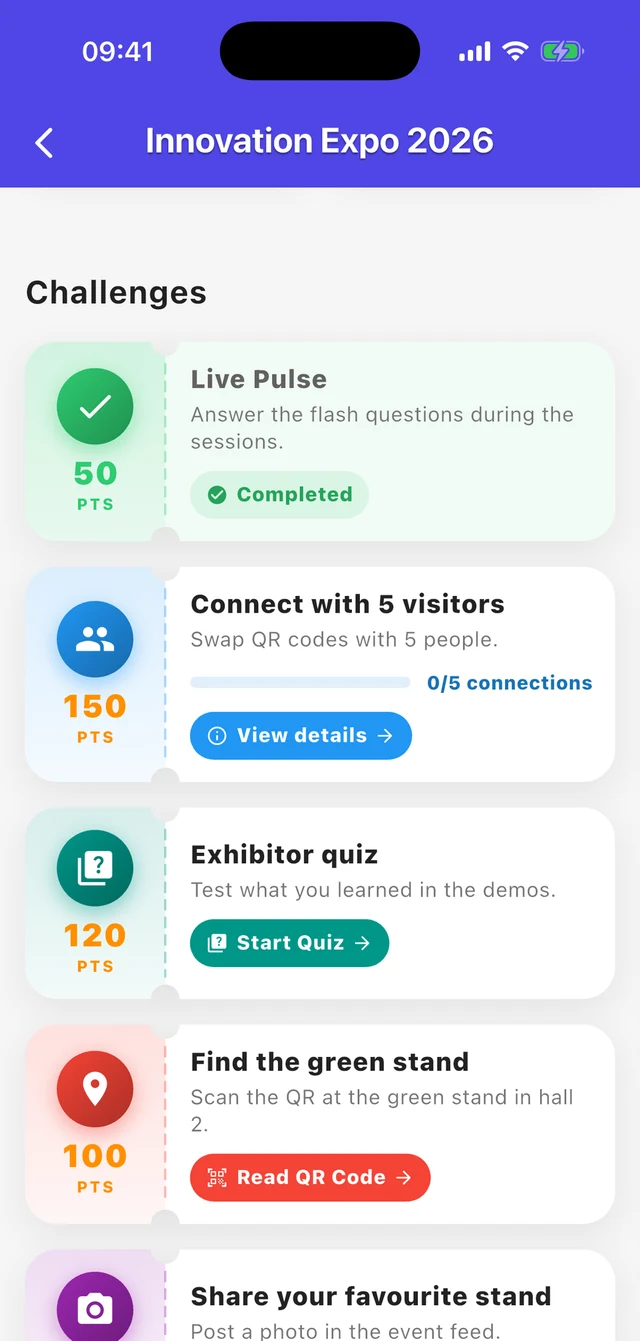
QR check-ins, quizzes, networking, feed posts, complete profile, survey and pulses. Each challenge earns points and counts towards the event ranking in the app.
Every attendee has their own QR. They scan each other's code and keep the contact, with the privacy each one chooses.
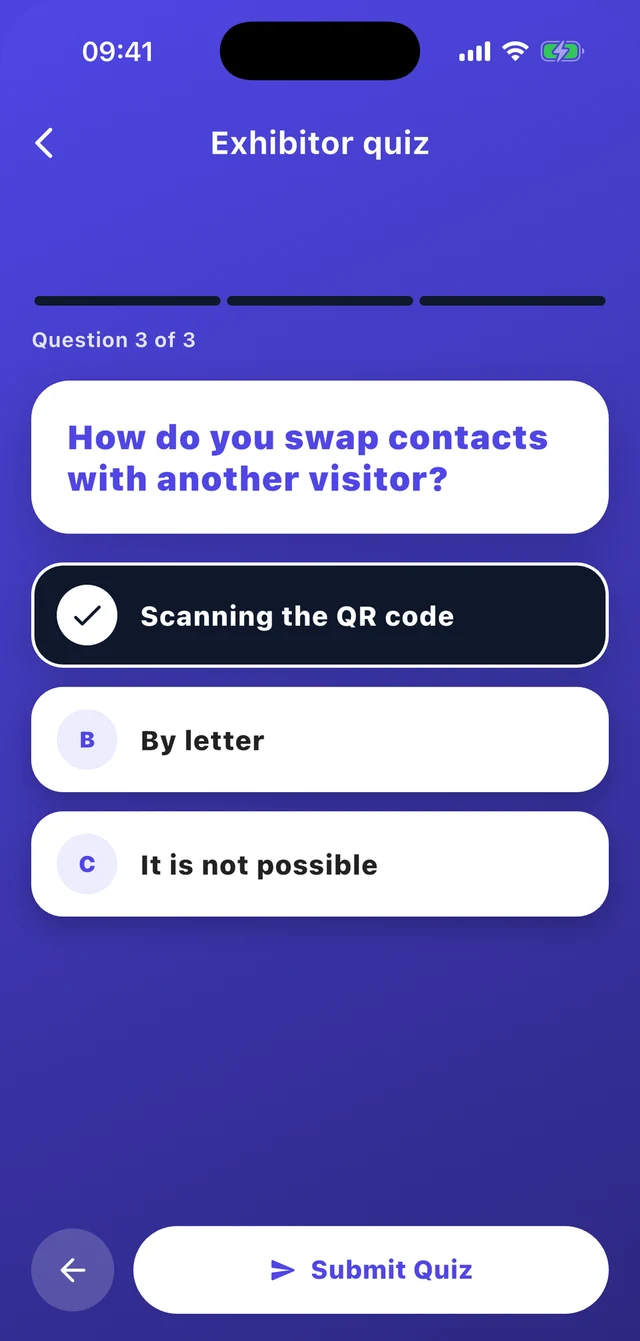
Multiple choice or written answers, with a pass mark and an attempt limit.
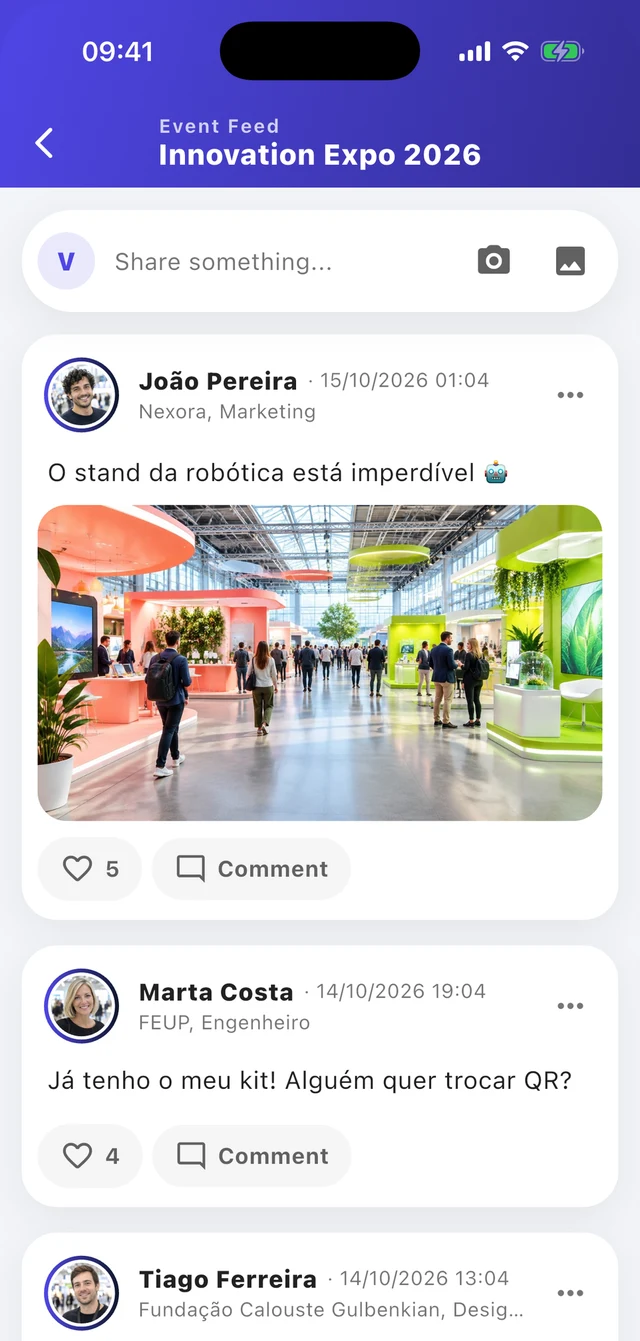
Event wall with photos, likes and comments. A post from the organisers reaches everyone's phone.
Upload a CSV or Excel file and each person gets a welcome email in their language.
Survey sent by email, with anonymous answers and no duplicates.
Engagement, tickets sold and entries, polls and schedule, per event.
Write content in Portuguese, English and Spanish and each attendee sees their own.
See how Questa fits each format, with concrete examples.
Sessions, rooms and speakers in the schedule, QR check-in and audience questions between panels.
See solutionA programme by room with personal agendas, registration, QR entry and ratings for every session.
See solutionFreshers' welcomes, academic weeks and student congresses with challenges and networking.
See solutionAttendee check-in, schedule alerts on phones and live voting at the final pitches.
See solutionEntry tickets, booth visits by QR and completions per booth in the back office.
See solutionQR tickets, a schedule by stage and day, door check-in and notices for the audience on their phones.
See solutionKick-offs, training days and team building with registration, challenges and a survey at the end.
See solutionMembers' congresses and meetings with registrations, paid or free tickets and a schedule.
See solutionThe Questa app for iOS and Android — or your own app in the stores, with the plan that includes it. Attendees sign in with their email and see everything in their language.
A back office designed for organisers, not developers, with a guided tour and a help centre.
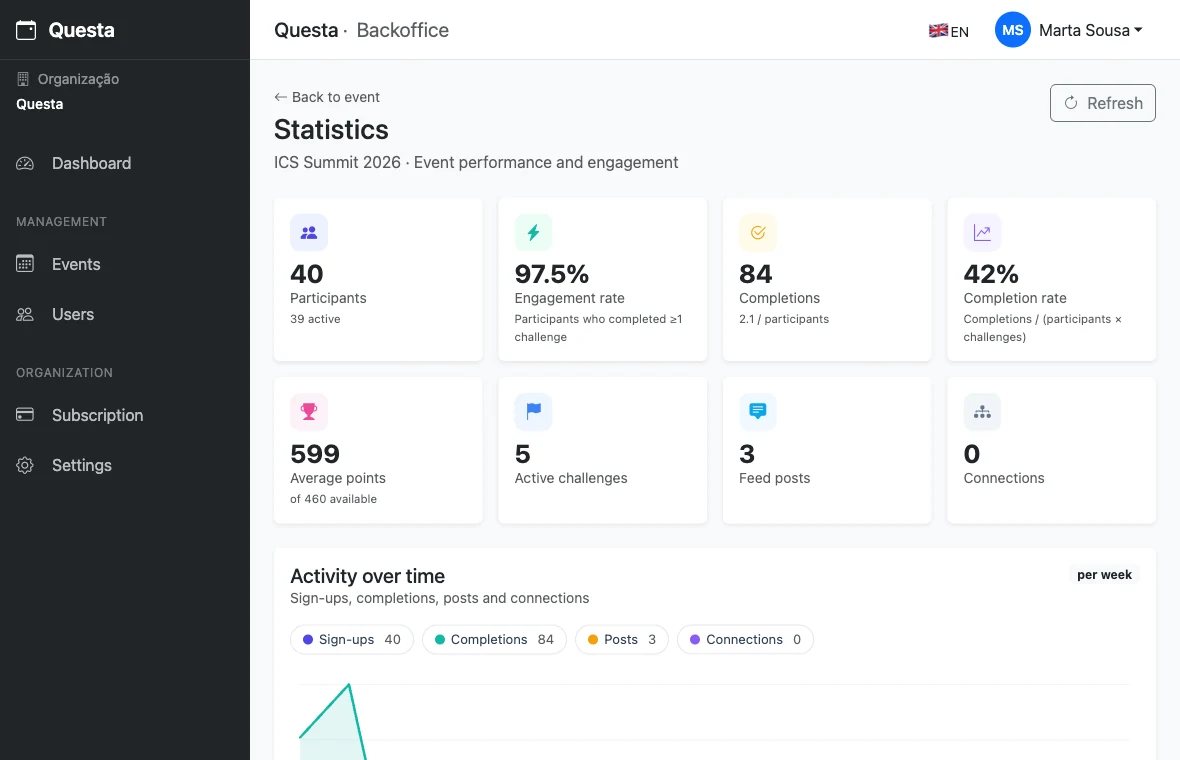
Creating and preparing events is free. You pay per published event, based on the number of attendees. If you run events often, there is the Agency plan, by subscription.
| Tier | Attendees | Price | Agenda (add-on) |
|---|---|---|---|
| Free | up to 50 | €0 | + €99 |
| Essential | up to 150 | €199 | + €99 1st activation free |
| Professional | up to 600 | €499 | + €149 1st activation free |
| Conference | up to 2,000 | €1,290 | + €199 1st activation free |
| Enterprise | More than 2,000 attendees per event | On request | On request |

How to build your event programme with sessions, rooms and speakers, import it from Excel and give attendees an in-app agenda with reminders, QR check-in and ratings.
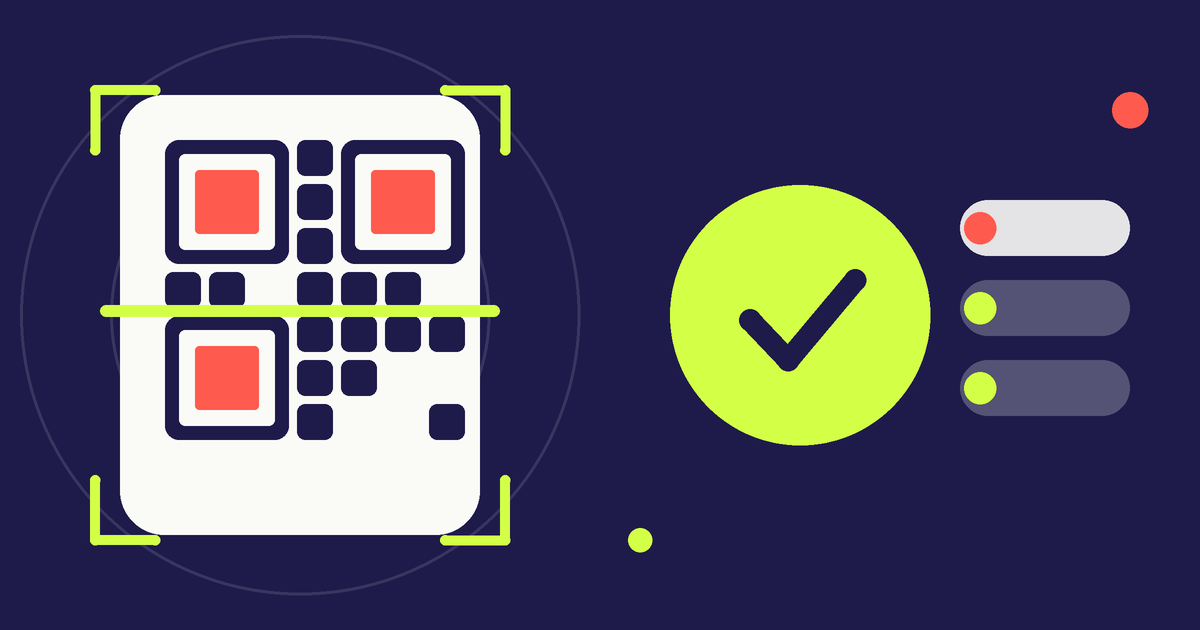
How to run event check-in with QR codes: how it differs from manual check-in, duplicate entries, the reception team, ticket control and a checklist to put it in place.

How to build an event agenda (days, rooms, speakers, parallel sessions) and turn it into an interactive programme in an app, with a personal agenda, alerts and QR attendance.
It's a platform for running events: you sell tickets or take registrations, publish the schedule, validate entries at the door and give attendees an app with an agenda, challenges, networking and live questions. You manage everything in a web back office.
You create the event in minutes — name, dates, image and languages. Then you add tickets, the schedule and challenges through forms and import attendees from CSV or Excel. A simple event is ready the same day.
Creating and preparing events is free. When you publish, you pick a tier based on the number of attendees: the Free tier is for trying it out and the paid tiers are a one-off payment per event. Current prices and conditions for each plan are in the pricing section. If you run events often, the Agency subscription is the alternative to paying per event.
It's an add-on you enable event by event. The price depends on the event's plan: you can see each plan's price in the pricing table and, in the back office, before enabling it. On the plans marked in the table, the first activation in each organisation is free.
Yes. Create paid or free ticket types, share the checkout link or embed it on your site, and each ticket arrives by email with a unique QR. Payments go into your Stripe account; if all your tickets are free you don't need Stripe. Buyers see the service fee before paying.
Your staff install the Questa Check-in app and sign in with a validation-only account, with no back-office access. They scan each ticket's QR and immediately see whether it's valid. Each ticket gets in only once.
For the event experience (schedule, challenges, networking, feed), yes: they use the Questa app for iOS and Android and sign in with their email and your organisation's key. To buy a ticket and get in, the email with the QR is enough.
Yes. Your logo and colours appear in the app, on the ticket checkout page and in emails to attendees. The Agency plan also includes your own app under your name on the App Store and Google Play.
Portuguese, English and Spanish. You choose each event's languages, write the content in each one and every attendee sees everything in their preferred language.
Data is hosted in the European Union and isolated per organisation. The organisation is the controller of attendee data and Questa acts as a processor, under a data processing agreement (DPA).
For events with hundreds of attendees, agencies and an app with your brand: 30 minutes with our team to design your event and pick the right plan — no commitment.
Free account in 2 minutes. Prepare everything without paying and choose a plan only when you publish.
No credit card. Large event or several a year? Talk to us