Schedule by day
Sessions, breaks and meals organised by day, room and speaker, in the event’s time zone.
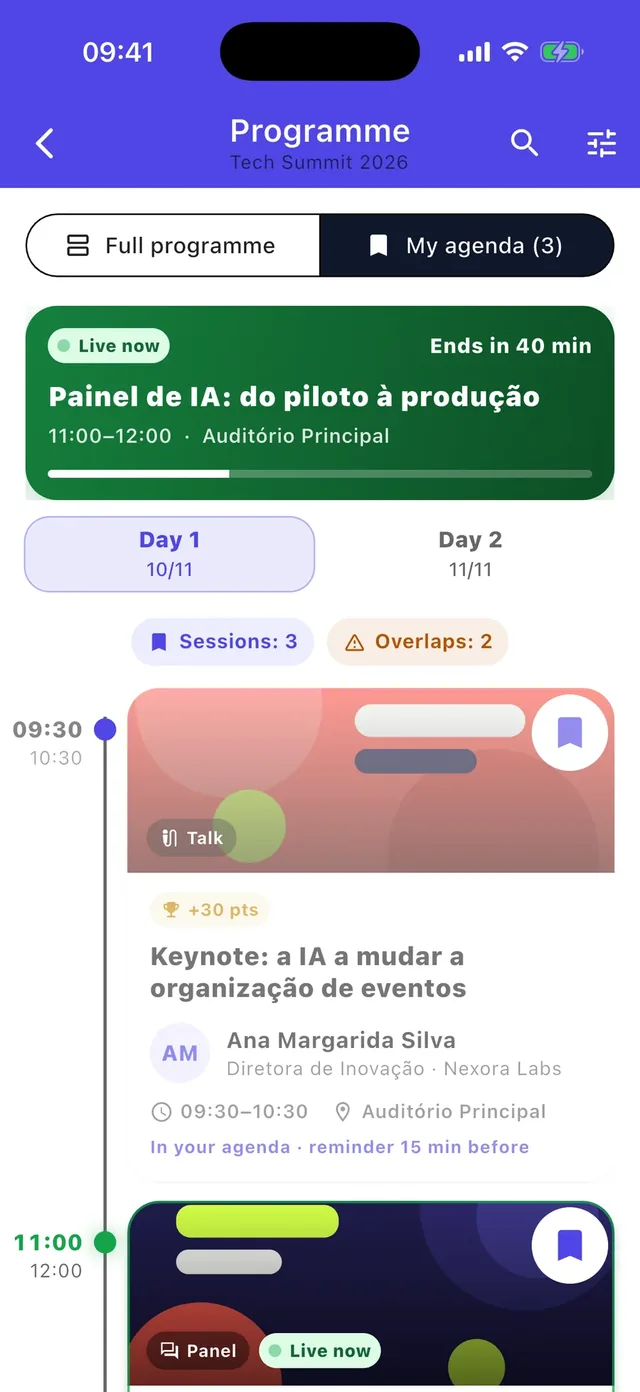
Sessions, rooms and speakers in an agenda each person builds for themselves, with reminders before each session, QR check-in in the room and a rating at the end.
Per-event add-onActivated per event, from €99.
On some plans, your organisation’s first activation is free.
Start with a free event for up to 50 attendees.
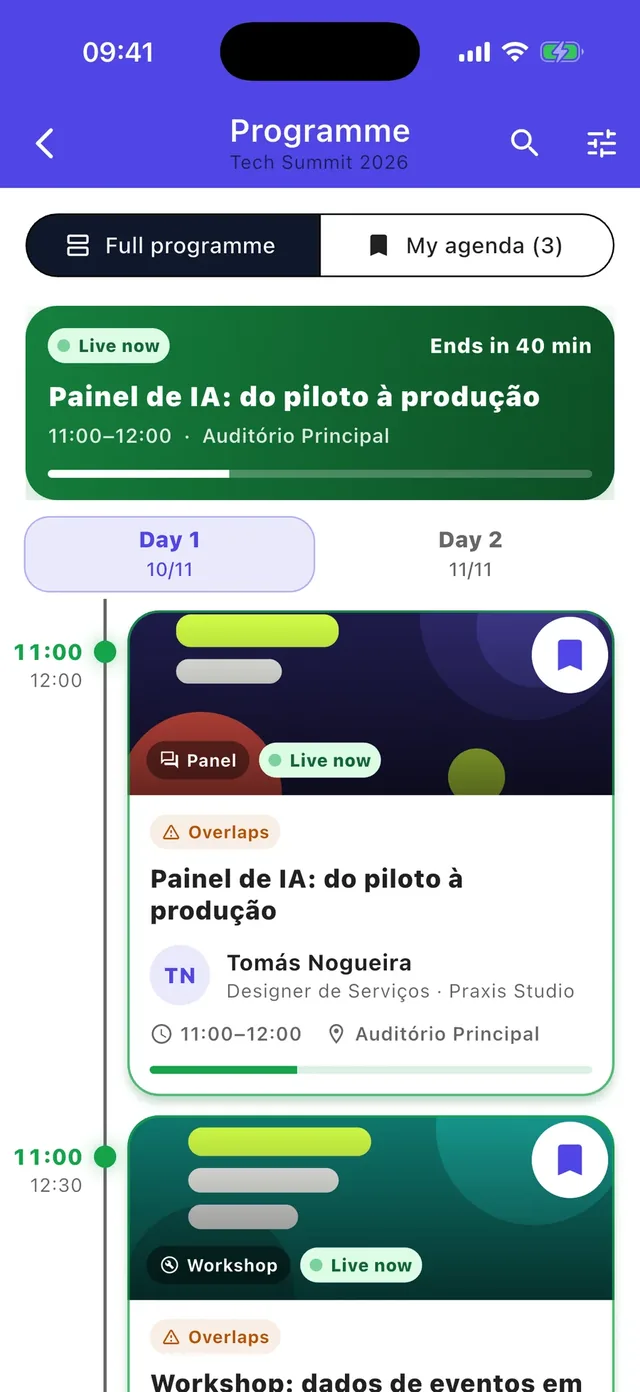
Sessions, breaks and meals organised by day, room and speaker, in the event’s time zone.
Each attendee saves the sessions they want to see and is warned when two overlap.
The app sends a reminder 15 minutes before each saved session.
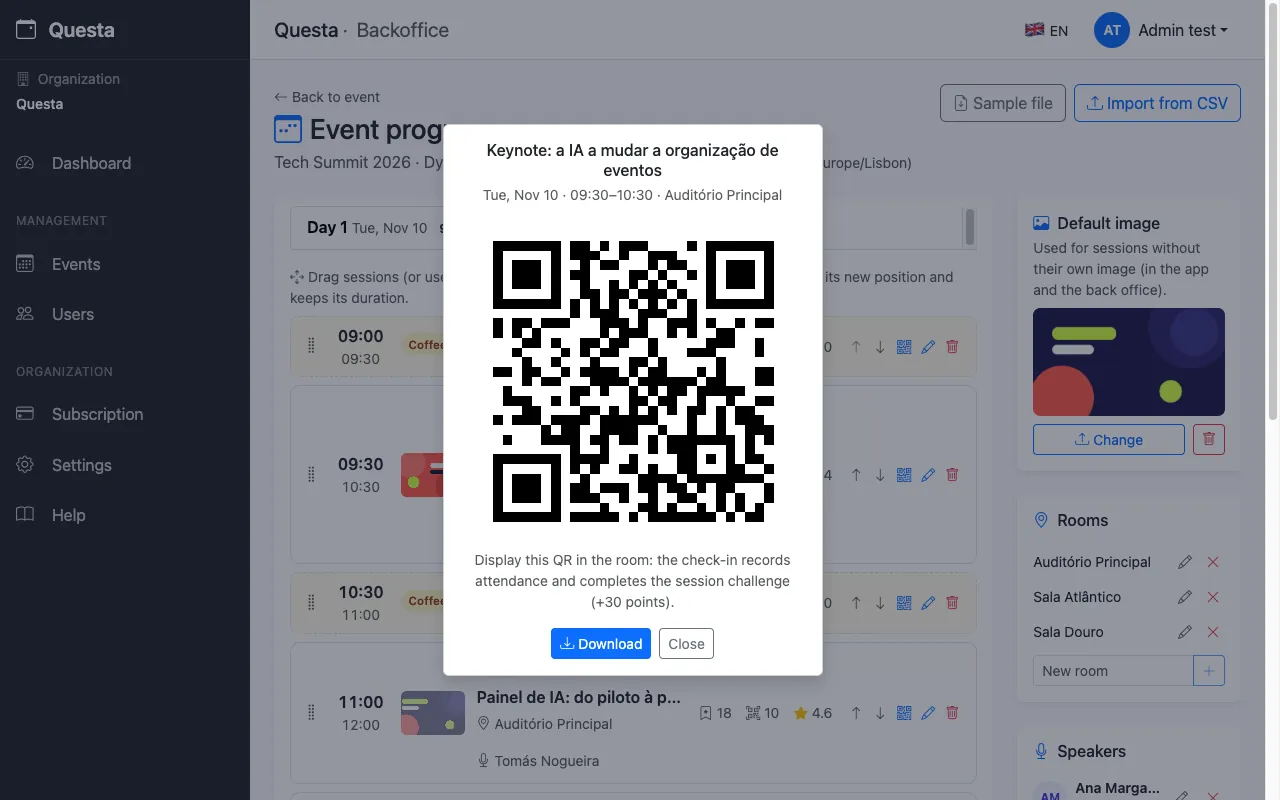
A QR code in the room records attendance (and awards points, if you like), plus a 1–5 rating at the end.
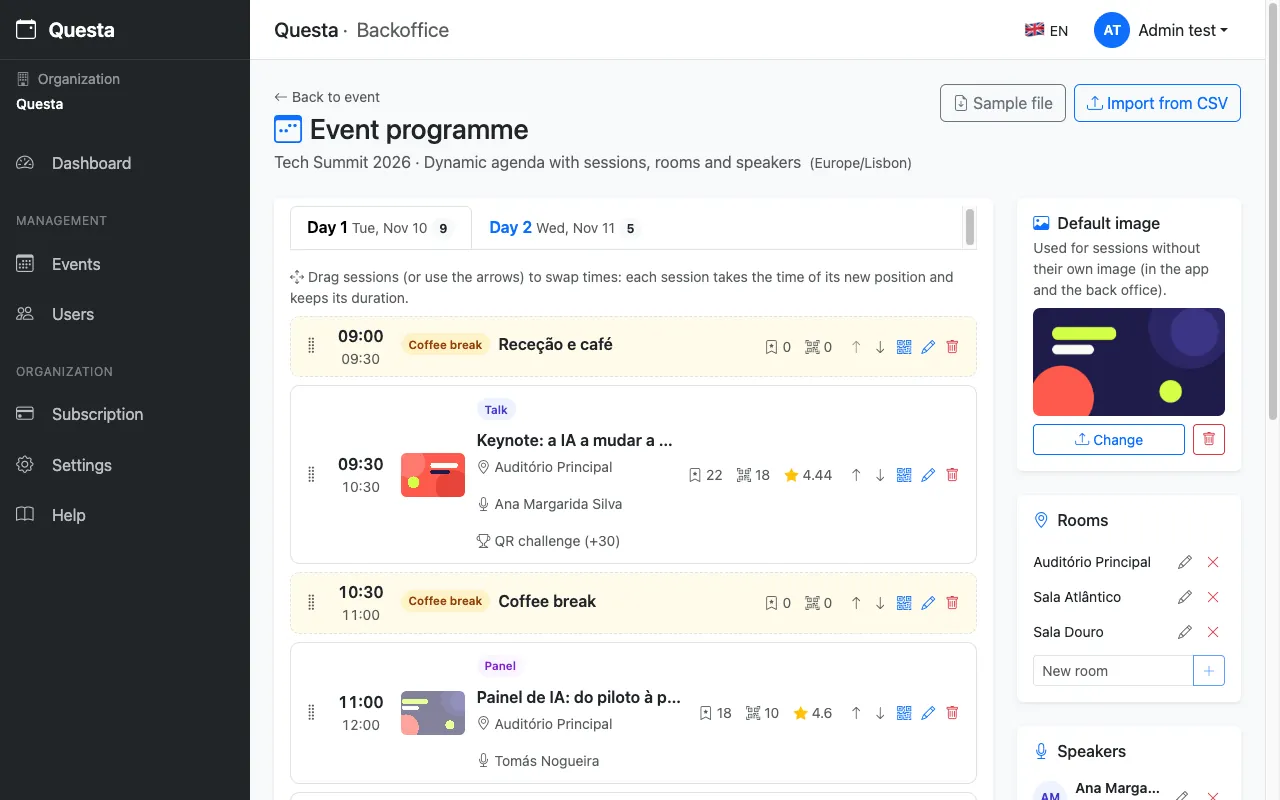
Edit each session inline and drag it to another time slot: the duration stays the same. Questa warns you when a room is double-booked.
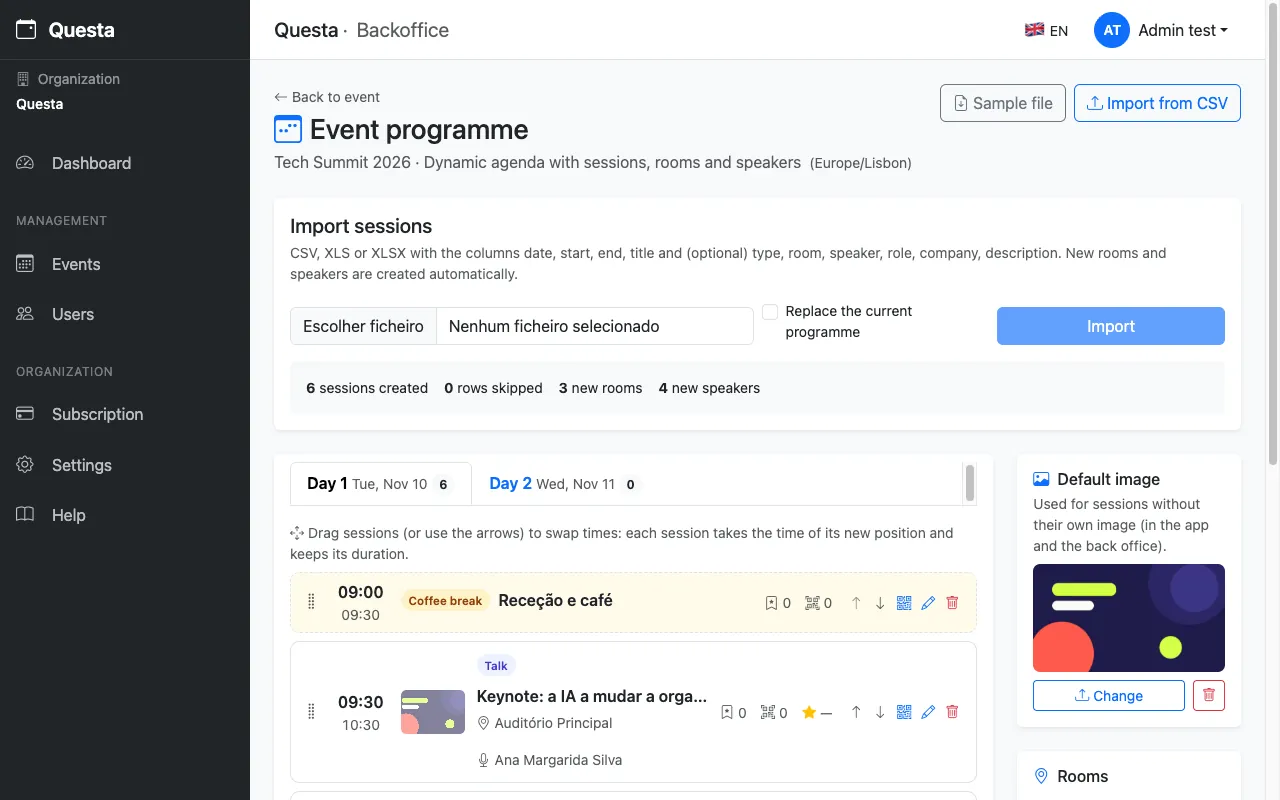
Upload a CSV or Excel file with date, start, end and title; room, speaker and type are optional. New rooms and speakers are created by name.
Full schedule or “My agenda”, highlighting the session in progress and the next one, with search and filters by room and type.
Each session has a QR code to print or project. Attendees scan it in the app from 30 minutes before the start until 30 minutes after the end. Link a challenge and they earn points.
It is a per-event add-on, with a price set per plan; some plans may include it. Current prices are on the pricing page. It can be activated once the event is published.
Yes. The app schedules a notification 15 minutes before each session the attendee saved to their agenda.
Yes. Changes show up in the app the next time the attendee opens the schedule, and reminders follow the changes.
Saved sessions, check-ins, average rating, the most saved, most attended and best rated sessions, and figures by day, room and speaker.
We show you the platform with an example close to your event and help you set up the first one.