iOS and Android
A ready-to-use app, already in the stores. Nothing to build or maintain.
Attendees install the Questa app (iOS and Android), sign in with your organisation’s code and find everything you prepared in the back office.
Start with a free event for up to 50 attendees.
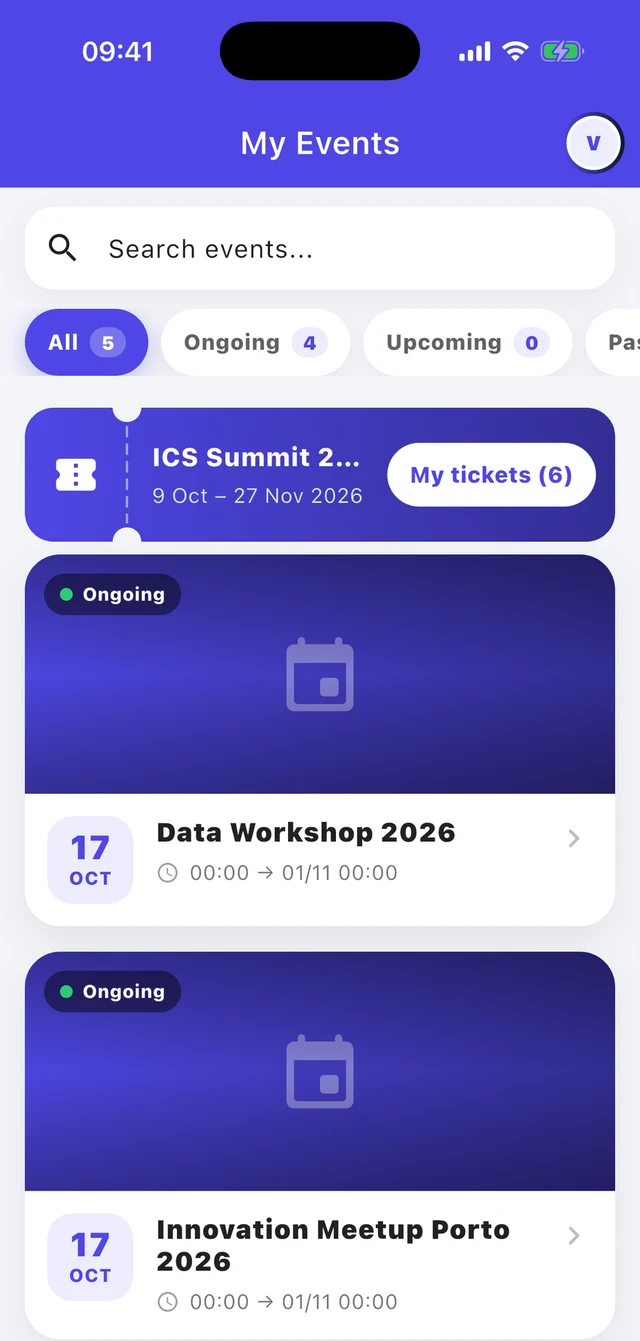
A ready-to-use app, already in the stores. Nothing to build or maintain.
Attendees sign in with the code from their welcome email and see the events they are registered for.
Organisation posts in the feed and live questions arrive as notifications.
The app runs in Portuguese, English or Spanish, following the phone or the attendee’s choice.
Need your own branded app in the stores? It is included in the Agency plan. See pricing
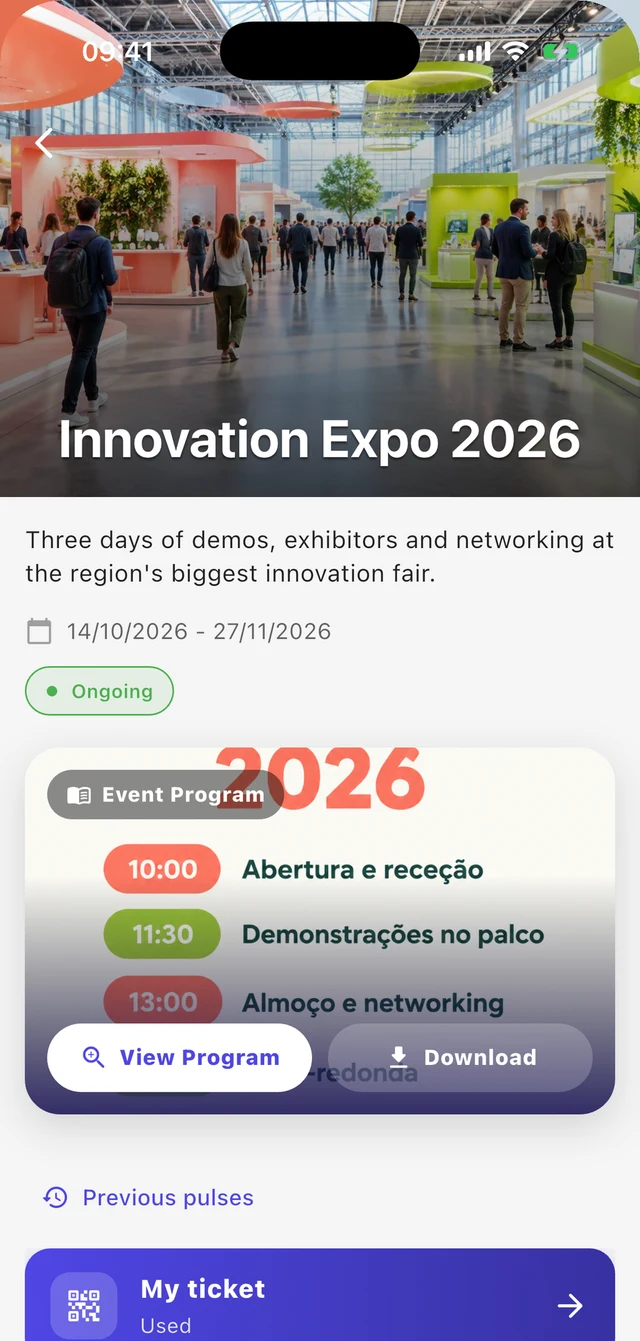
Dates, description, cover and poster, with shortcuts to the schedule, previous pulses and the ticket.
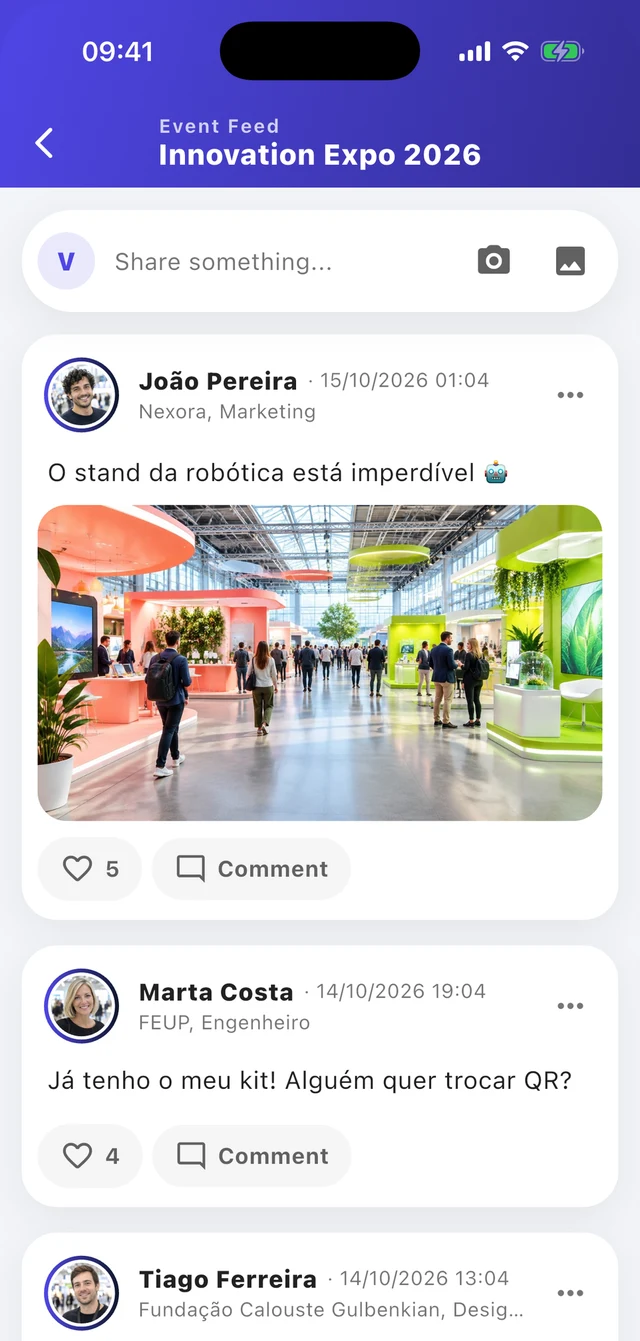
Attendees and the organisation post photos and messages, with likes and comments. Posts can be reported and your team is notified.
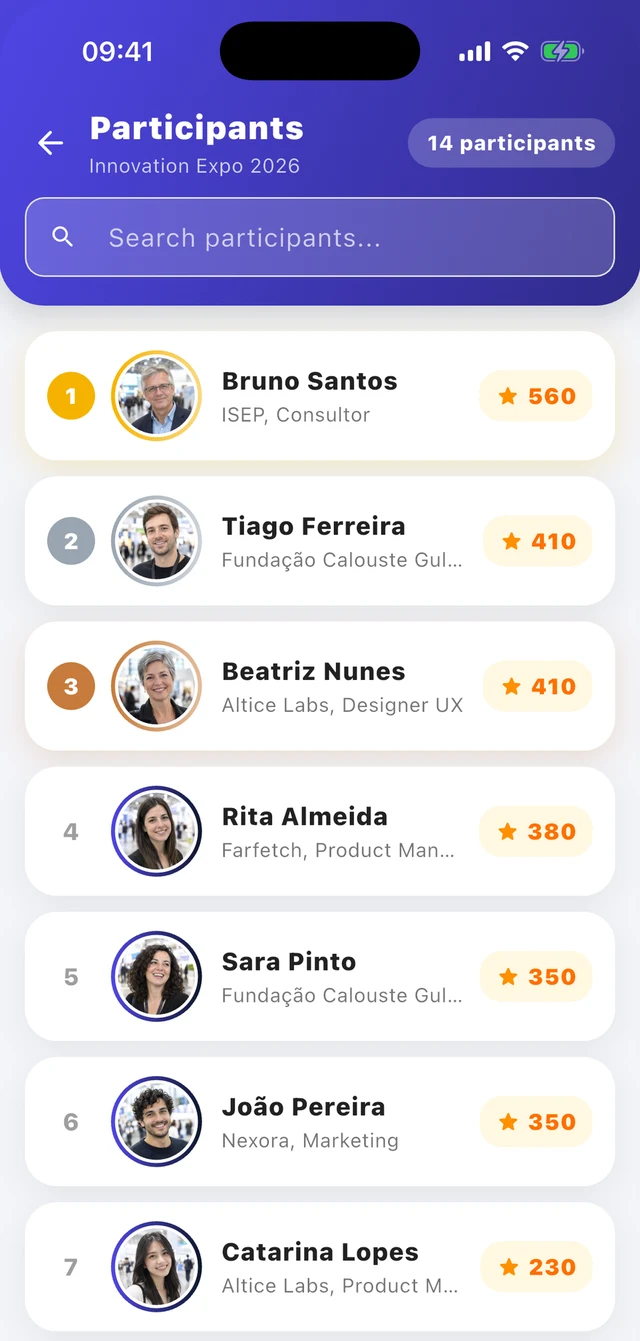
Each attendee sees the event challenges, their points and their ranking position, which updates whenever they open the screen.
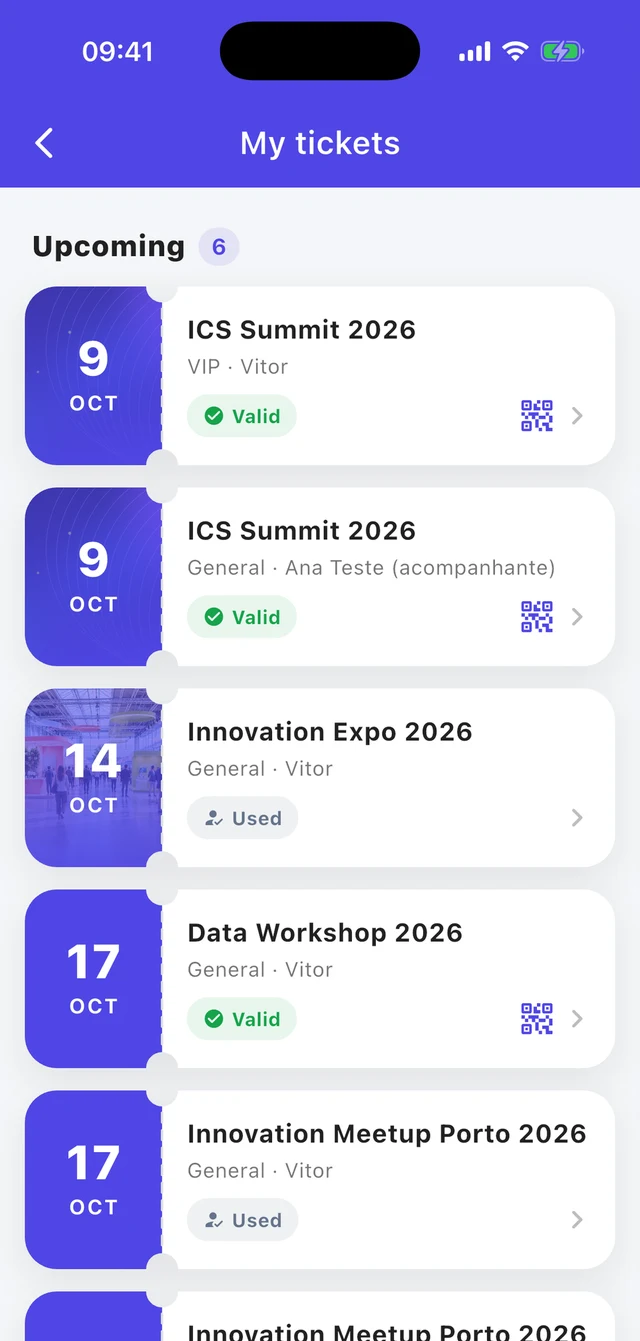
“My tickets” shows the holder’s tickets, with the QR code ready for entry, even offline.
No. The Questa app is free for attendees, on the App Store and Google Play.
They sign in with the email they were registered with and the organisation code from the welcome email.
The Questa app uses your organisation’s logo and colours. Your own app in the stores depends on the plan: see the pricing page.
Portuguese, English and Spanish. Event content appears in the attendee’s language when the organisation has translated it; otherwise, in the event’s main language.
We show you the platform with an example close to your event and help you set up the first one.