Personal QR code
Each attendee has their own QR code in the app, with name, job title and organisation.
Every attendee has a personal QR code in the app. Scanning someone’s code connects them, with the details each person chose to share.
Start with a free event for up to 50 attendees.
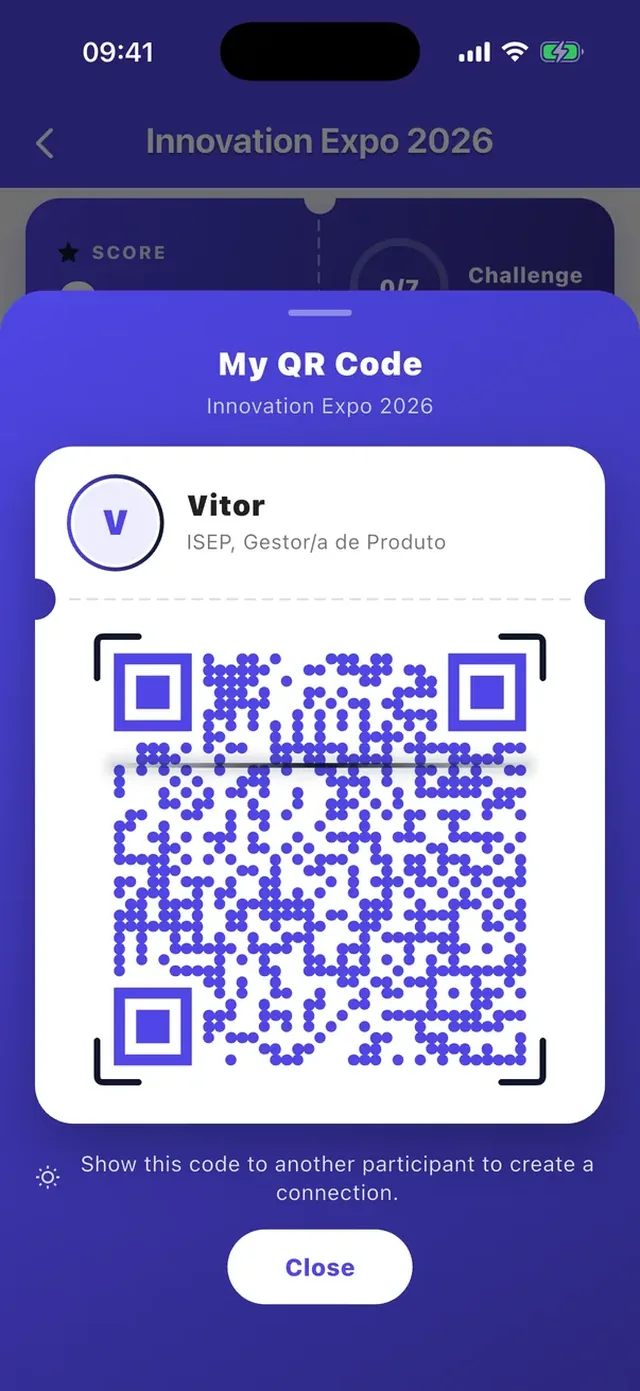
Each attendee has their own QR code in the app, with name, job title and organisation.
Scanning someone’s code creates a connection between the two, recorded at the event.
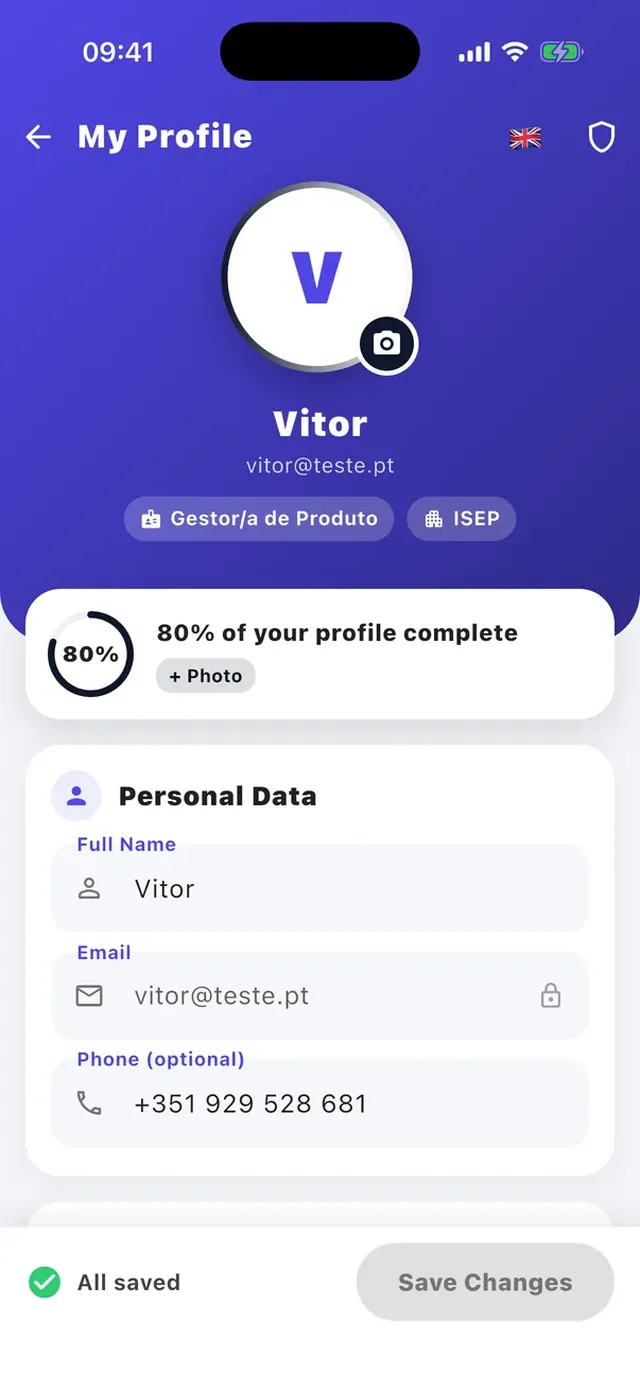
By default only name and photo are visible. Email, phone and social links only appear if the attendee wants.
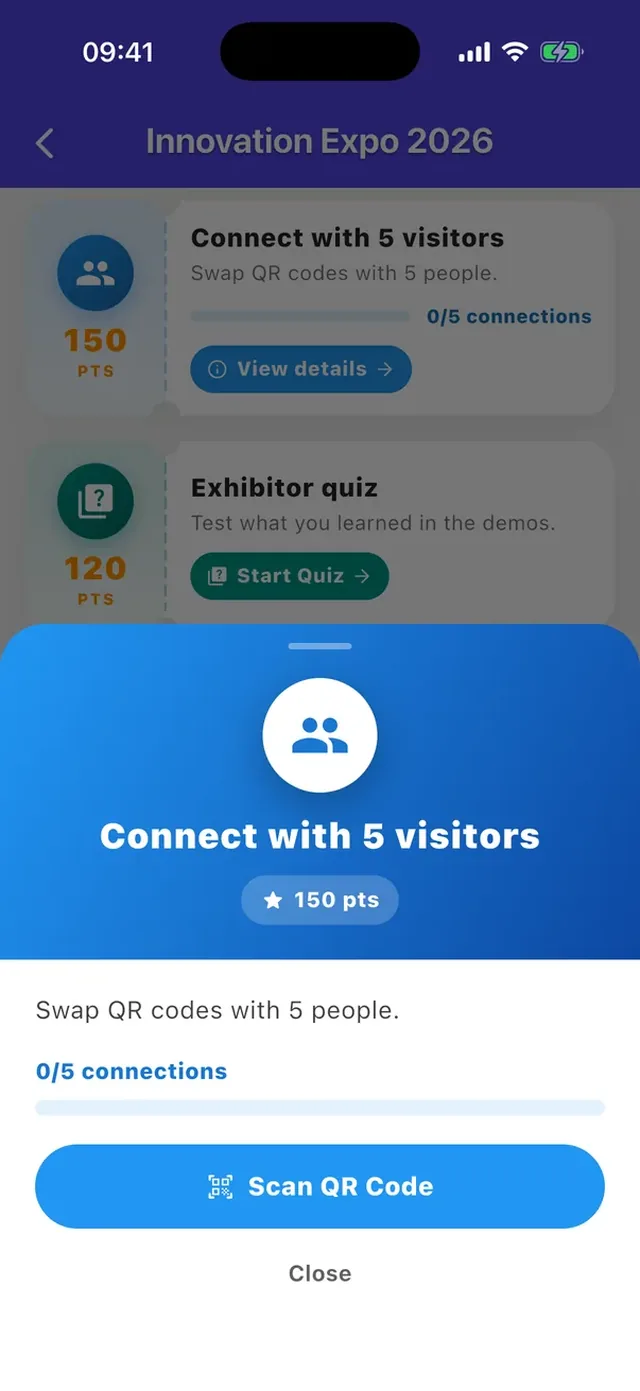
Award points to attendees who connect with the number of people you set.
Create a networking challenge such as “Connect with 5 visitors”. The app shows progress and the challenge completes itself.
Attendees complete their profile with photo, job title, organisation and social links, and choose what to show to their connections.
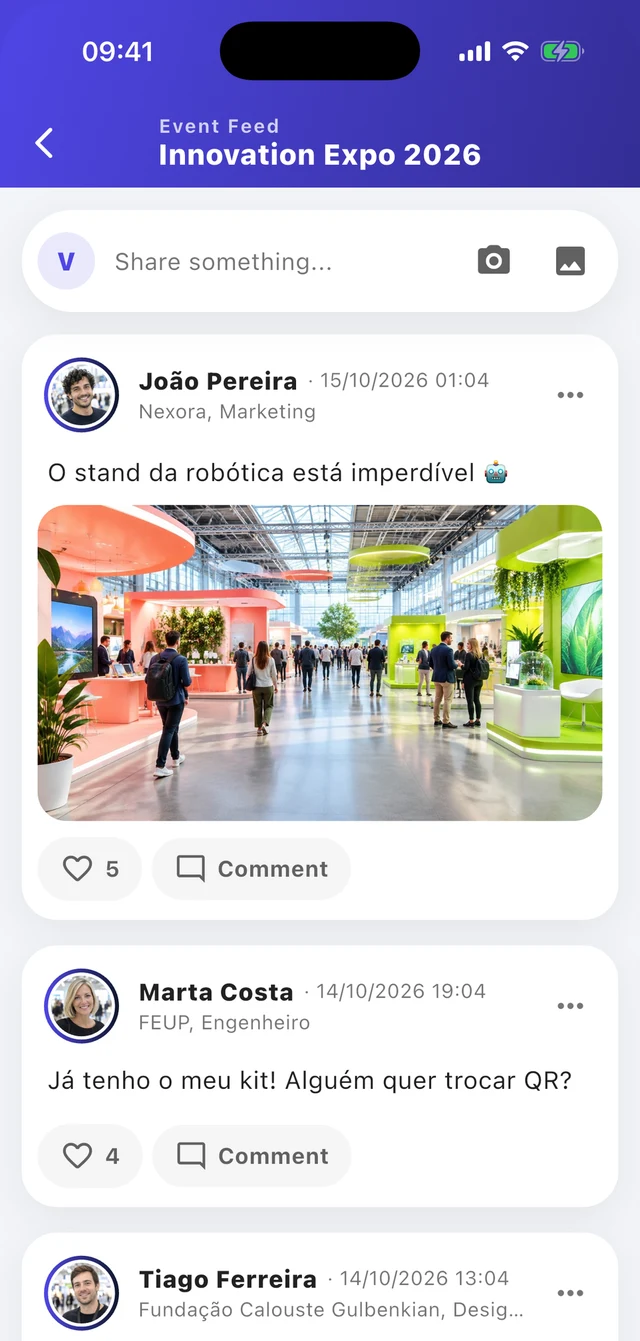
Photos, messages, likes and comments throughout the event, for those who want to keep talking after a session.
Each attendee has a personal QR code in the app. When they scan someone else’s code, they are connected at that event and each sees the details the other chose to share.
Name and photo by default. Email, phone and social links only appear if the attendee chooses to show them in their privacy settings.
Yes, with a networking challenge: you set how many connections are needed and how many points it is worth.
Yes. The personal QR code and connections work with or without a networking challenge.
We show you the platform with an example close to your event and help you set up the first one.