Live Pulse is an event challenge in which the organiser fires a flash question during the session, attendees answer in the app within seconds (multiple choice or a 1-to-10 rating) and the totals appear in real time on a screen. It is used to gauge audience opinion, decide as a group and keep the room engaged.
If you have ever watched a whole room staring at their phones while the speaker talks, you know the problem: attention is there, but it isn't tied to what's happening on stage. Live voting at events brings the two together. The audience uses their phones to take part, not to escape the session — and the speaker gets an instant thermometer of the room.
What is Live Pulse (and what it is not)
It is one of Questa's challenge types, alongside quizzes, QR check-ins and networking. Each pulse is a single, time-limited question that the organiser fires at the right moment. Whoever answers earns progress on the challenge and, in the end, the associated points.
It is not a long questionnaire, nor a post-event survey (for that there is the event survey), nor an open Q&A chat. It is deliberately short: one question, a few seconds, instant results.
Quick summary
| Aspect | How it works |
|---|---|
| What it is | A time-limited flash question, answered in the app and projected in real time |
| Question types | Multiple choice (2 to 8 options) or a 1-to-10 rating |
| Duration of each pulse | 15 to 600 seconds (90 by default) |
| When it opens | Fired on the spot, scheduled for a set time, or saved as a draft |
| Rules | One vote per attendee; only one pulse open at a time in each event |
| Attendee alert | In-app notification when the pulse opens |
| Results | Live totals on a public page you can project, no login and without showing who answered |
| Reward | The challenge completes after answering the set number of pulses and awards points |
How it works, step by step
The mechanic is simple for the attendee and controlled for the organiser:
- The organiser creates the pulse in the backoffice: writes the question (in all of the event's languages), picks the type and the duration.
- Fires it at the right moment — or schedules it for a set time. When it opens, attendees get a notification in the app.
- The audience answers on their phones with one tap. Each person votes once and sees the clock ticking.
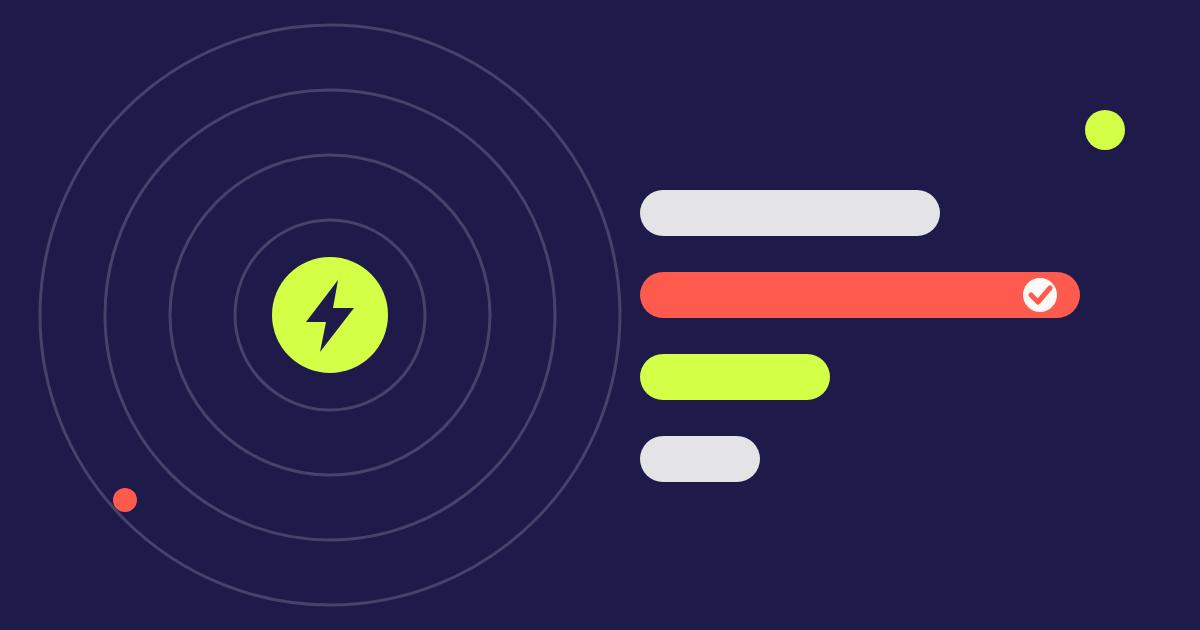
- The room sees the results on a screen: the bars grow as answers arrive. The projection page is public, opens on the laptop connected to the projector and does not show who answered.
- The pulse closes by itself when time runs out (or when the organiser closes it early). Attendees then see the final results in the app.
Multiple choice or a 1-to-10 rating?
| Type | Best for | Example | What you see |
|---|---|---|---|
| Multiple choice | Deciding, testing knowledge, choosing the next topic | "Which topic do you want next?" | Percentage and votes per option |
| 1-to-10 rating | Measuring satisfaction or energy in seconds | "From 1 to 10, how useful was this session?" | Average and distribution of ratings |
When to use Live Pulse
To open the session
A warm-up question ("How many of you have used this tool?") breaks the ice and shows the speaker who is in front of them, before deciding the level of the conversation.
Halfway through a talk
Instead of asking "Any questions?" and hearing silence, fire a multiple-choice pulse. Rooms that won't raise a hand will answer on their phones, and the discussion that follows starts from real data.
To decide as a group
In workshops and assemblies, a pulse lets you pick the topic of the next session, prioritise proposals or validate a decision in under two minutes.
To gauge the room's energy
A quick 1-to-10 rating at the end of each session gives you, in real time, what you would normally only learn weeks later in the final survey.
At conferences, corporate events and classes
It works wherever there is an audience in a room and a speaker: conferences, corporate events, training sessions and university lectures.
What value it brings the organiser
- Real participation: an audience that answers, instead of one that merely listens.
- Real-time decisions: adjust pace, topic or debate time based on the room.
- Clean data: no paper, no counting by hand and no depending on who raises their hand first.
- Measurable engagement: pulses count towards the event's challenges and feed the engagement statistics.
- Tied to event gamification: answering earns progress and points, which raises the response rate.
Rules and limits to know
- Each attendee can answer each pulse once.
- Only one pulse can be open at a time in each event.
- The response window runs from 15 to 600 seconds.
- Only event attendees answer, in the app; the event must be published and the challenge active.
- A pulse can only be edited or deleted before it opens.
- The organiser sees aggregated totals only, never individual answers.
How to create a Live Pulse in Questa
- Create or open your event in the backoffice and add a Live Pulse challenge.
- Set how many pulses an attendee must answer to complete the challenge and how many points it is worth.
- In "Manage pulses", click New pulse: choose the type, write the question and set the duration.
- Choose when to open: fire now, schedule, or save as a draft.
- Copy the projection link and open it on the laptop connected to the projector. The same link works for the whole session.
Best practices for more answers
- Ask short, direct questions — the audience has seconds, not minutes.
- Announce the pulse out loud: "Grab your phones, a question is coming".
- Use 2 to 4 options; more than that scatters votes and takes longer to read.
- Show the result and comment on it straight away: that is what makes people want to answer the next one.
- Don't fire more than one or two pulses per session. The charm is in the surprise.
Want to see the effect in a real room? Live Pulse is available on every Questa event, including the free tier. Create your account and fire your first pulse today.